


Plan the season
Base, build, peak, taper. Laid out around your races and your available days, in every sport you train.
Franconia(Franken, Germany)
The endurance coach that lives on your iPhone.
Run, ride, swim, lift. Plan the season, adapt when life happens, find your way from today to race day. Private, patient, and a bit Franconian.
Free to start · no subscription · in development for iOS 26+
Meet Weida
Tell it your races and your week. It builds a season, plans the next three weeks in detail and re-plans when the real world gets involved. You review every change before it happens.
Base, build, peak, taper. Laid out around your races and your available days, in every sport you train.
Less time, rain, a trip, a cold. Say what changed, review the proposal, keep going.

Your plan is calculated on your iPhone. Your data stays there unless you connect something.
Watch first
Hand-made paper collage, narrated by someone who has clearly had a pretzel. Pick one, or watch all three.


Built for real life
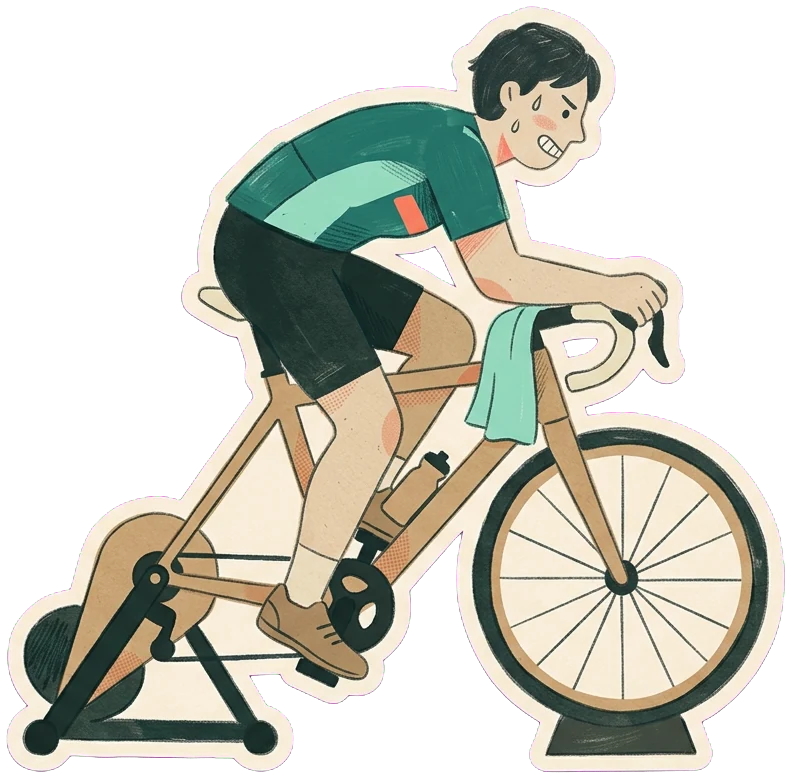
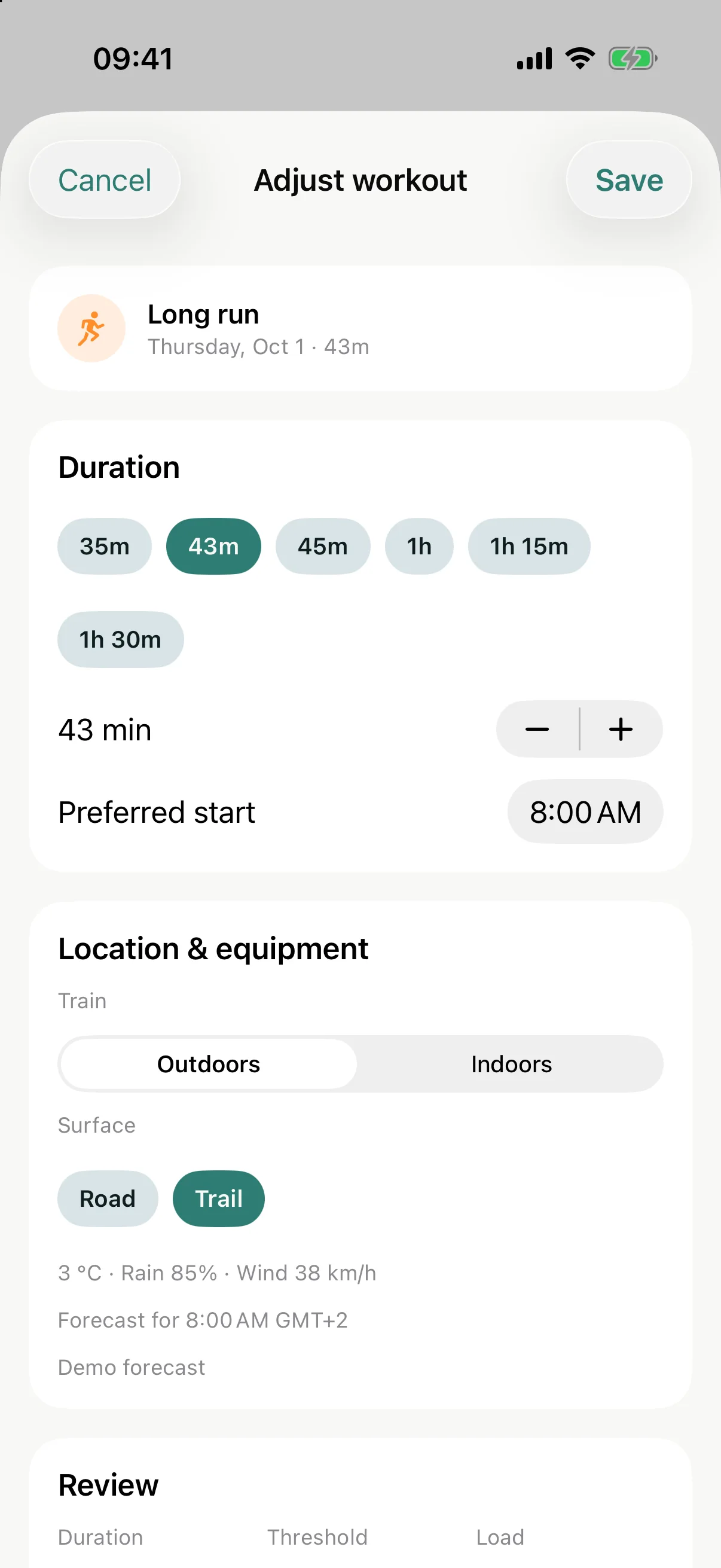
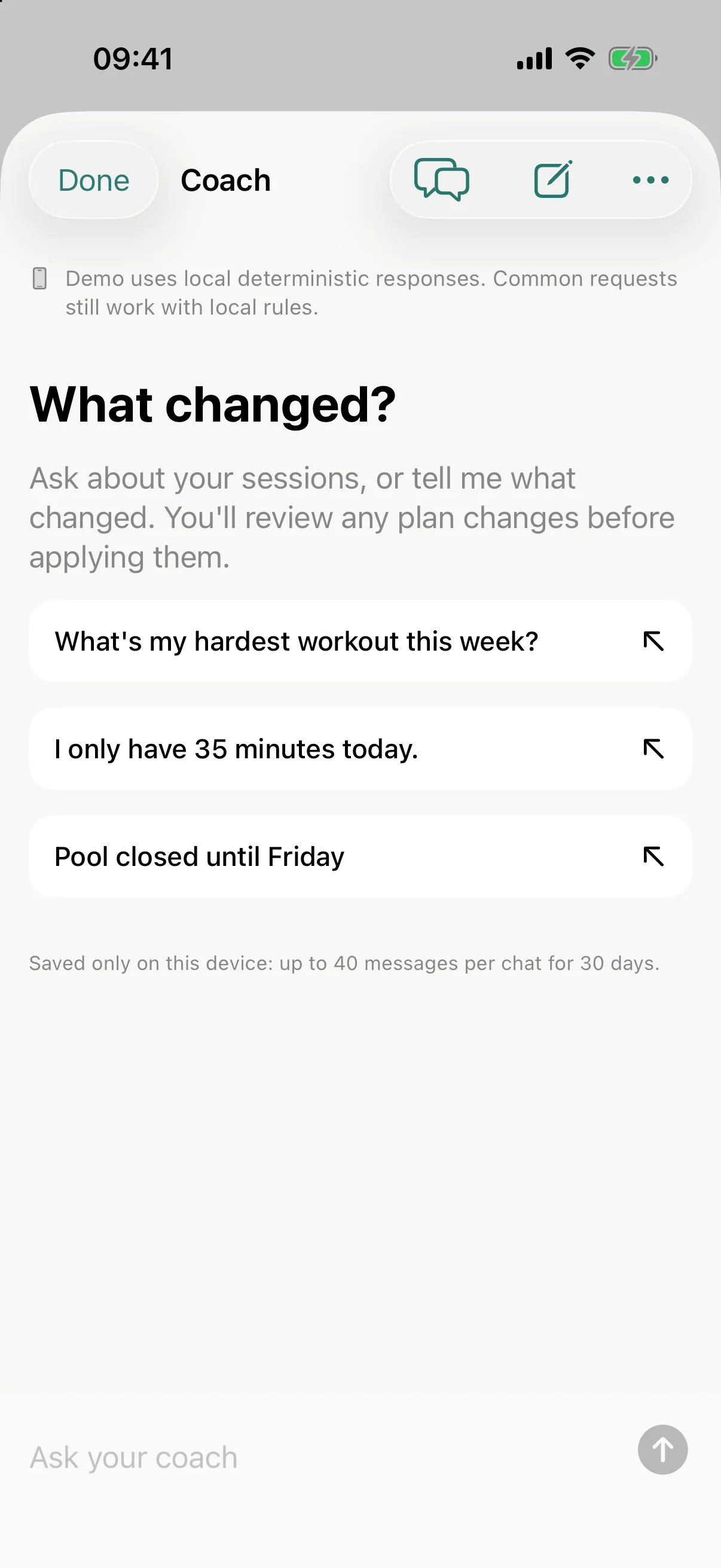
Tell your coach what changed, in your own words. It proposes an adjustment that keeps the point of the session. You look at it before anything moves.
Illustrative example, not a live coach.

What’s inside
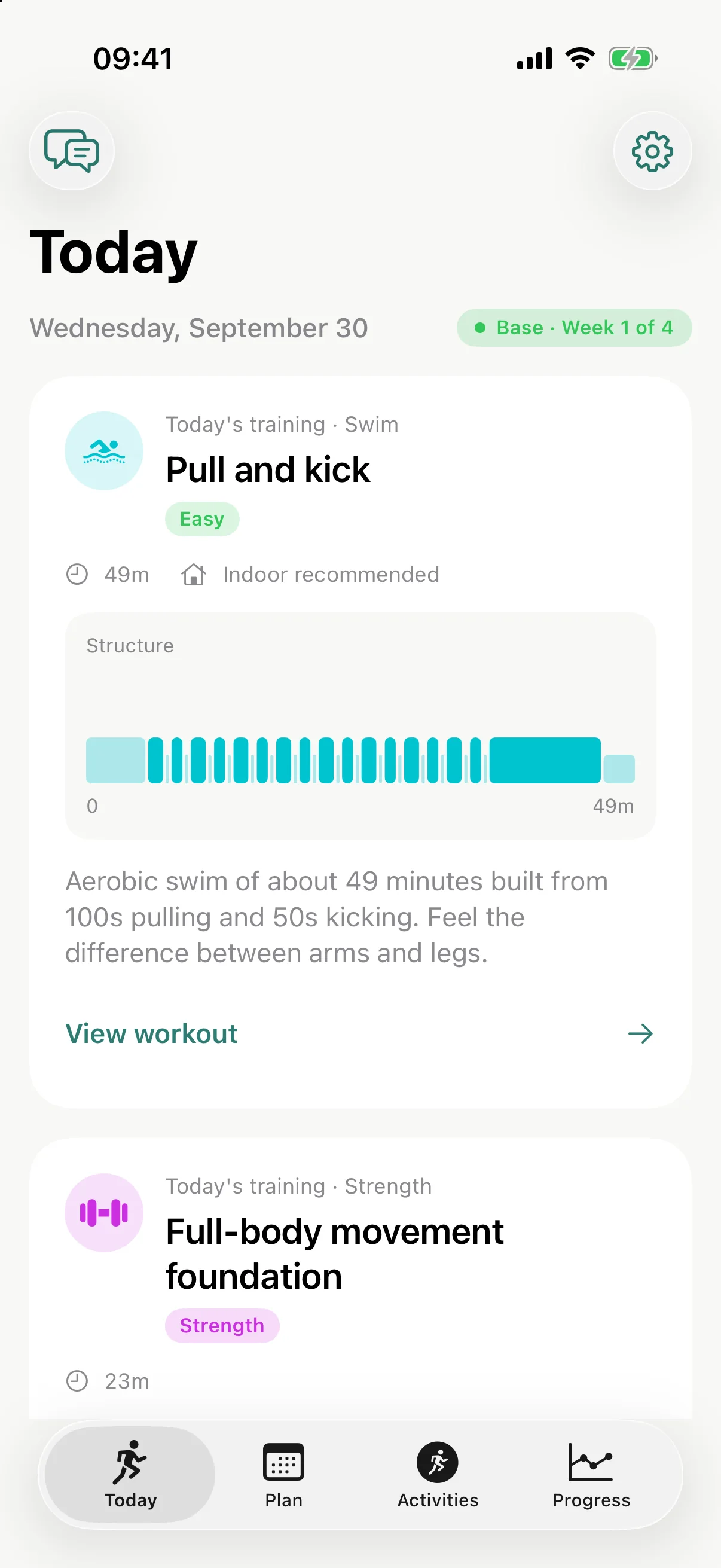
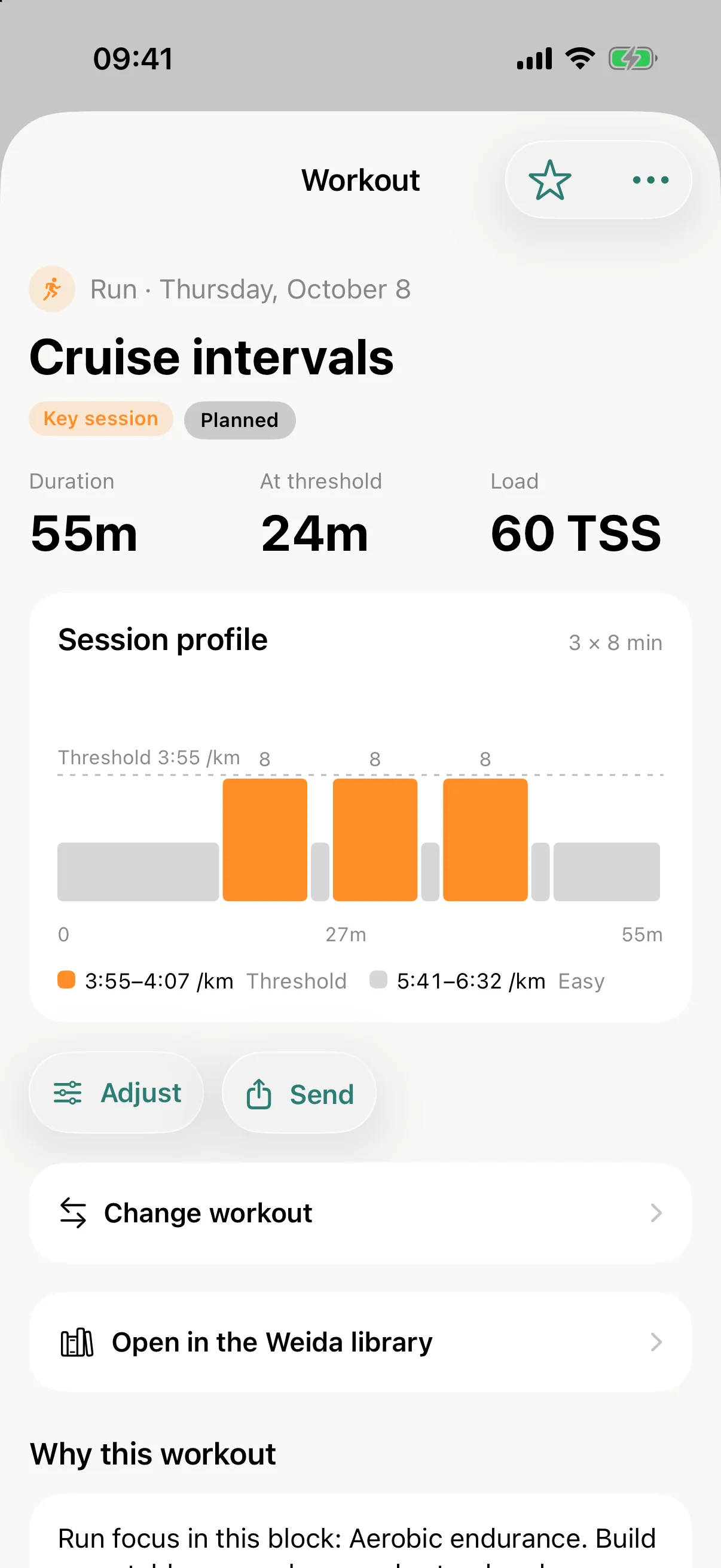
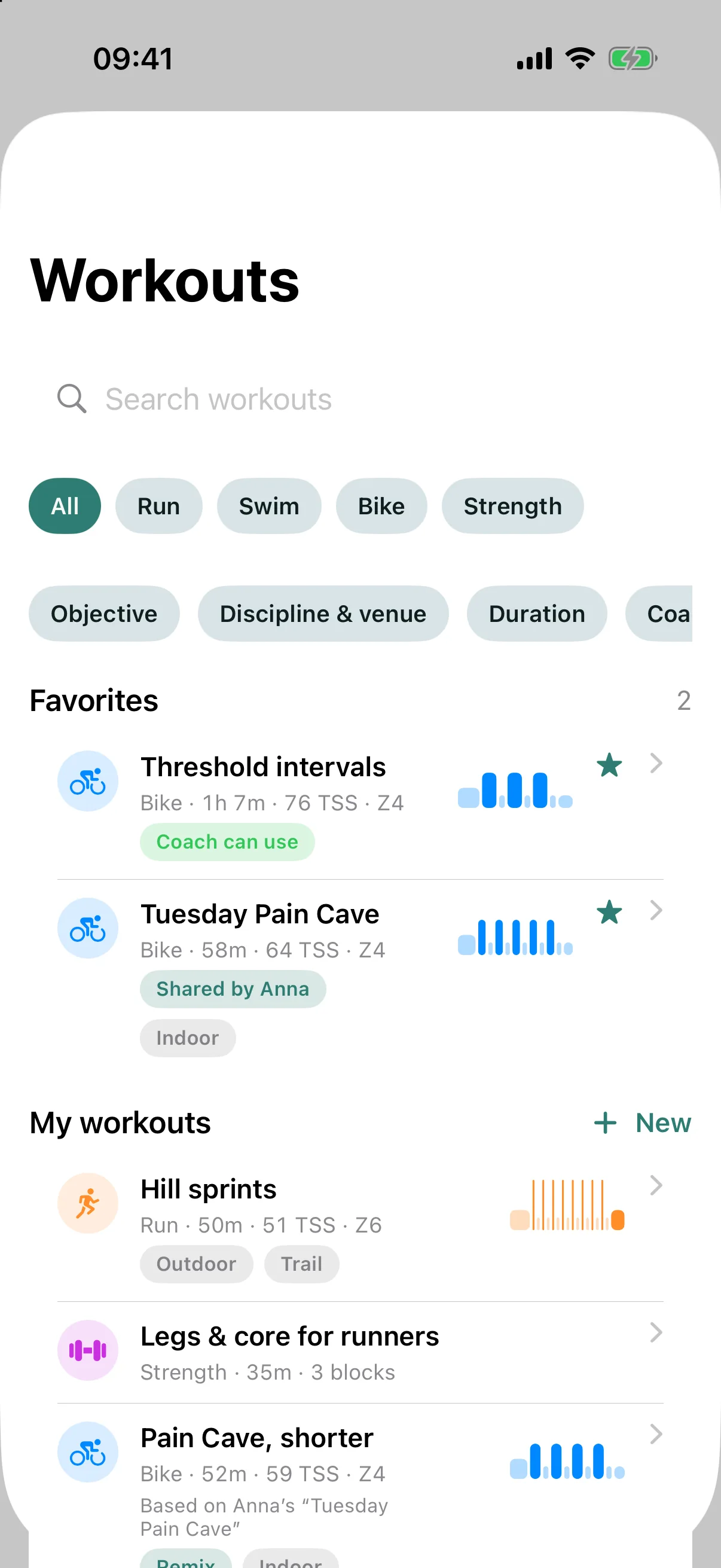
These are real screens from the app, in demo mode with demo data.
Your season
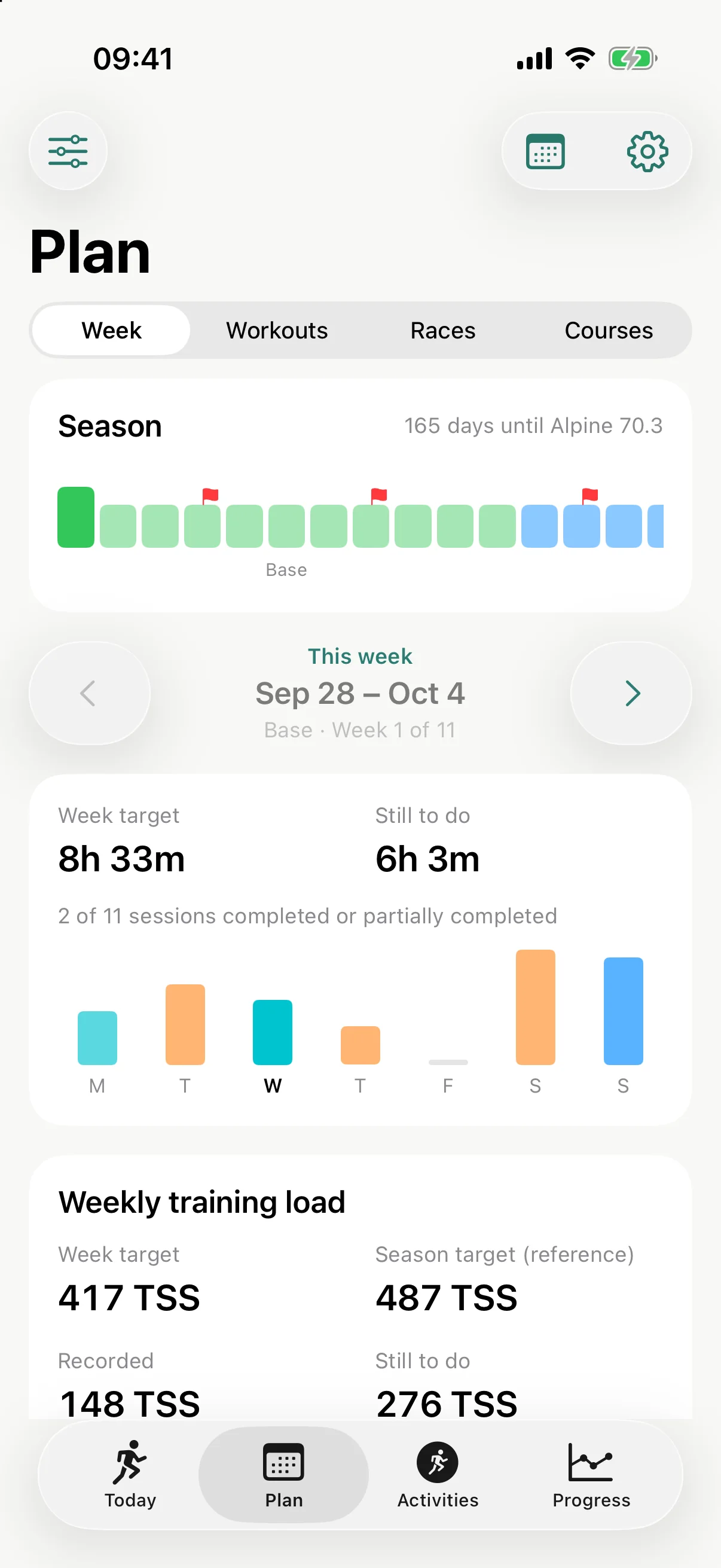
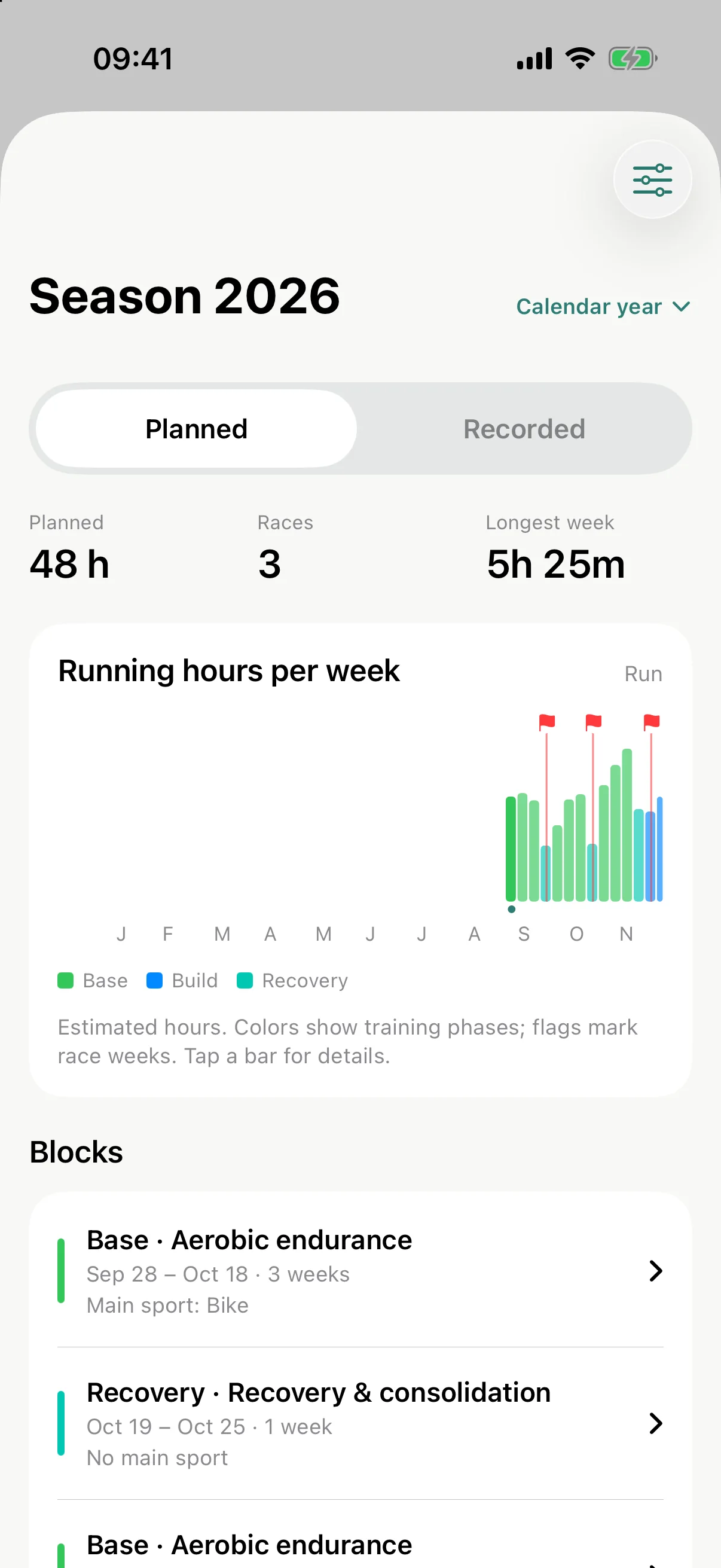
Add your races and Weida lays out base, build, peak and taper around them. The next three weeks are planned in detail, and the plan follows what you actually did. Tapers and post-race recovery are measured from your training, not looked up in a table.
Terrain
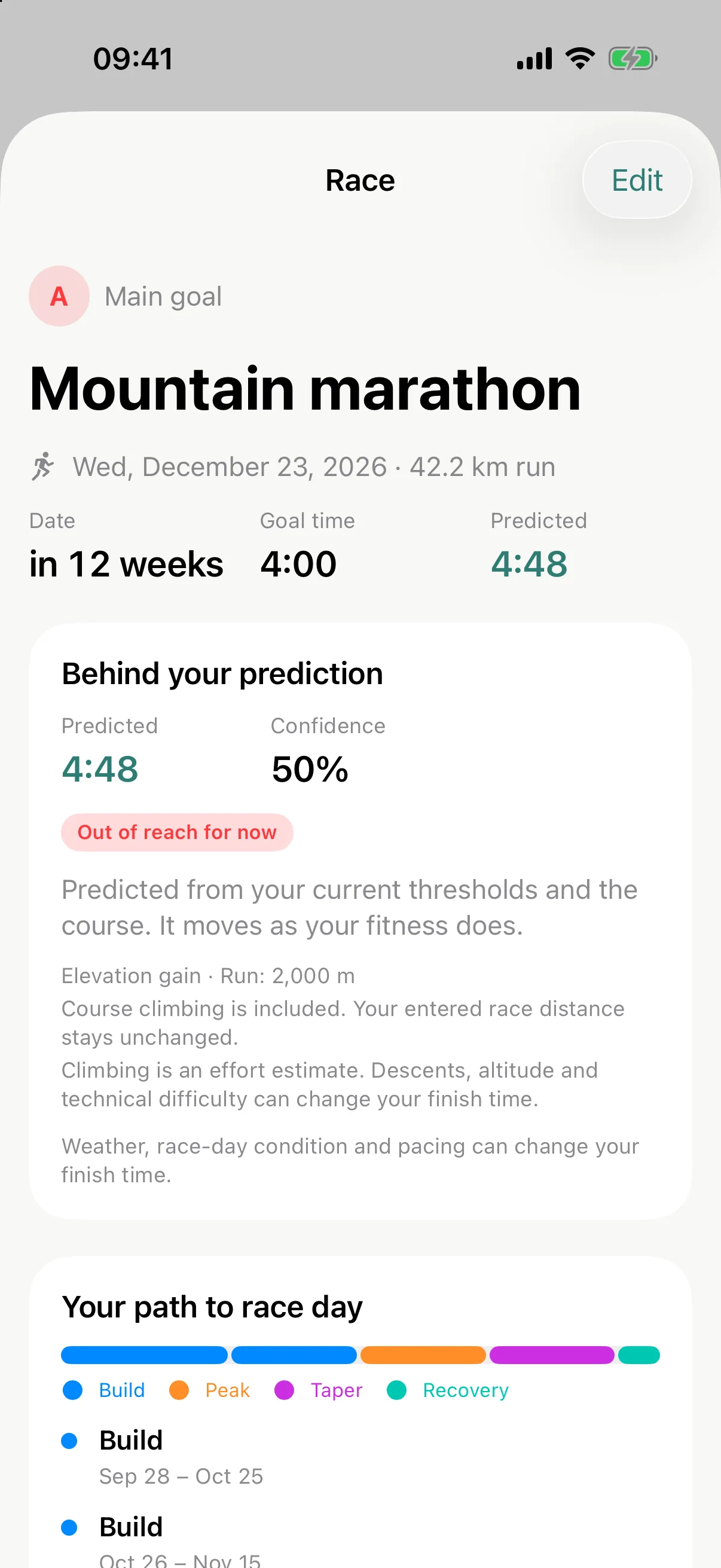
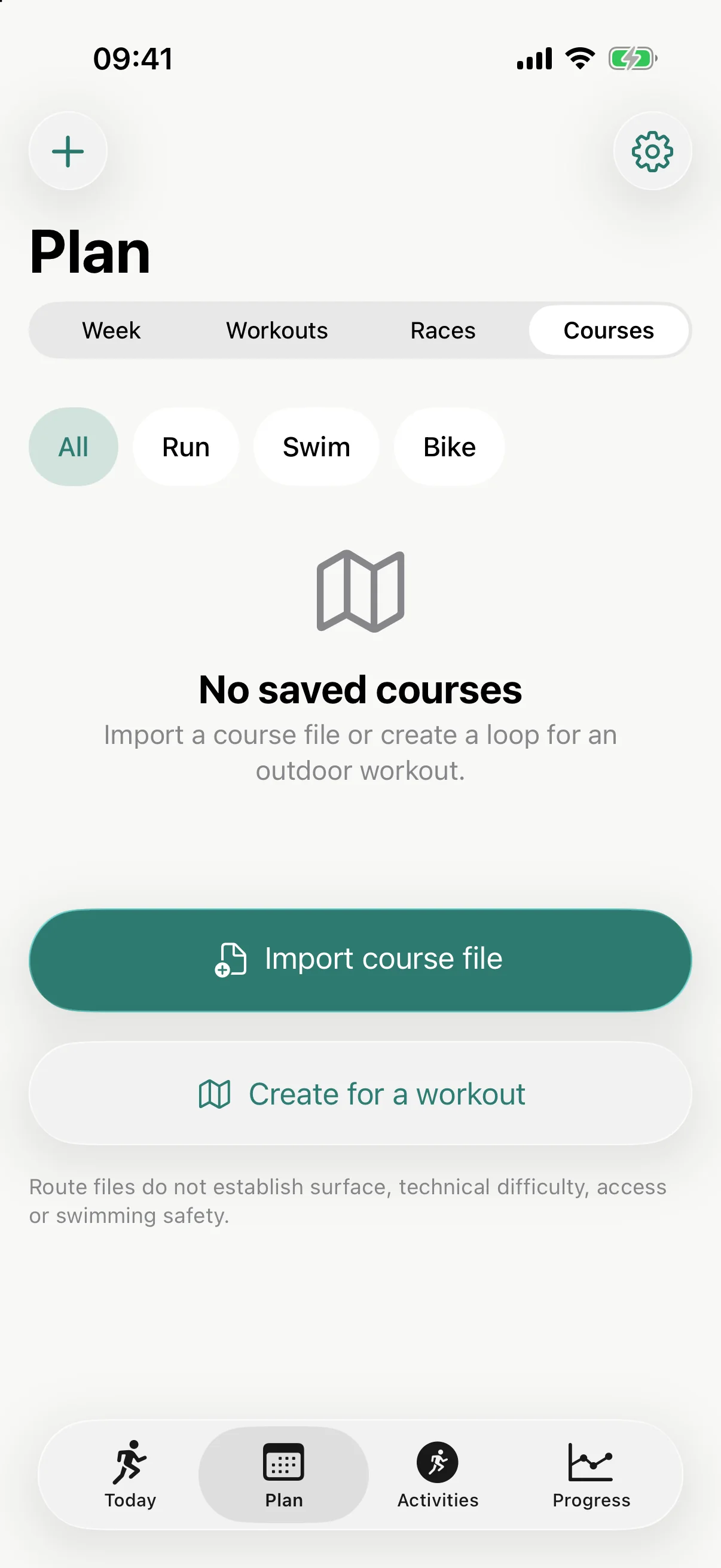
A city marathon and a mountain marathon ask different things of you. Trail sessions target effort instead of pace, quality work becomes hill repeats, and when a trail race is next, your long runs move to the trails so your legs have practised the descents.

Strength
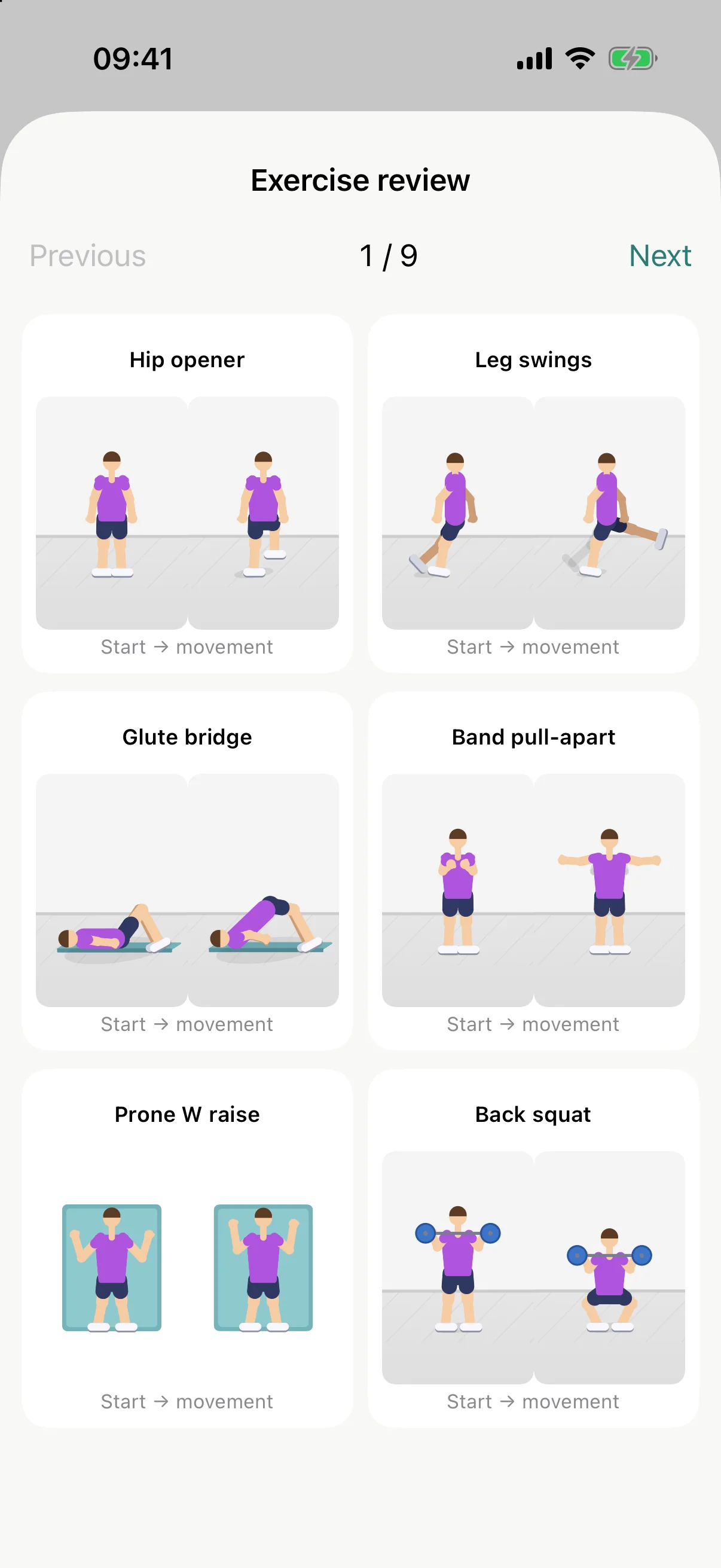
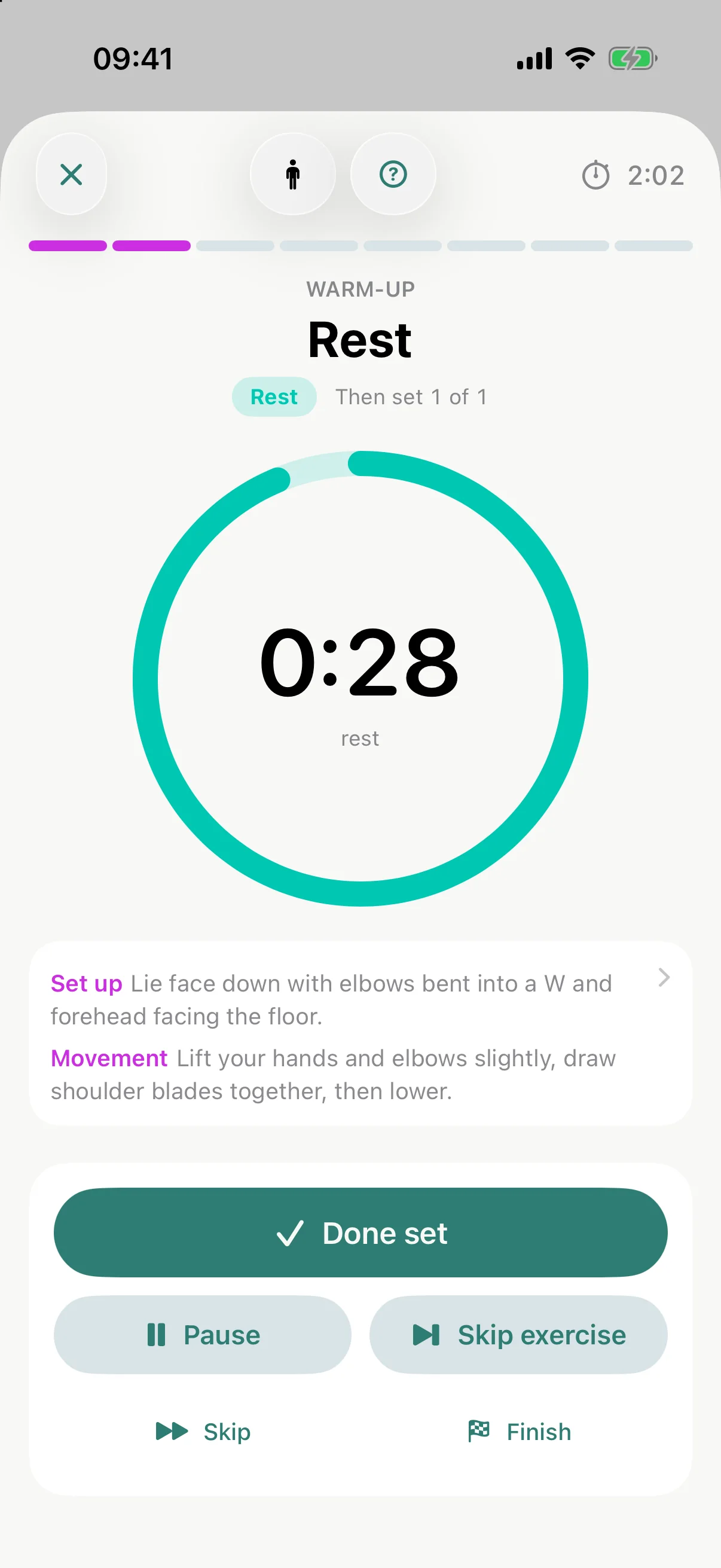
Real programs with named exercises, sets, rest and effort. Press Start and your phone runs the session: a ring counts holds and rests, the next exercise is always in view, and a small animated figure shows the move. It even adapts to the equipment you own.
Replay
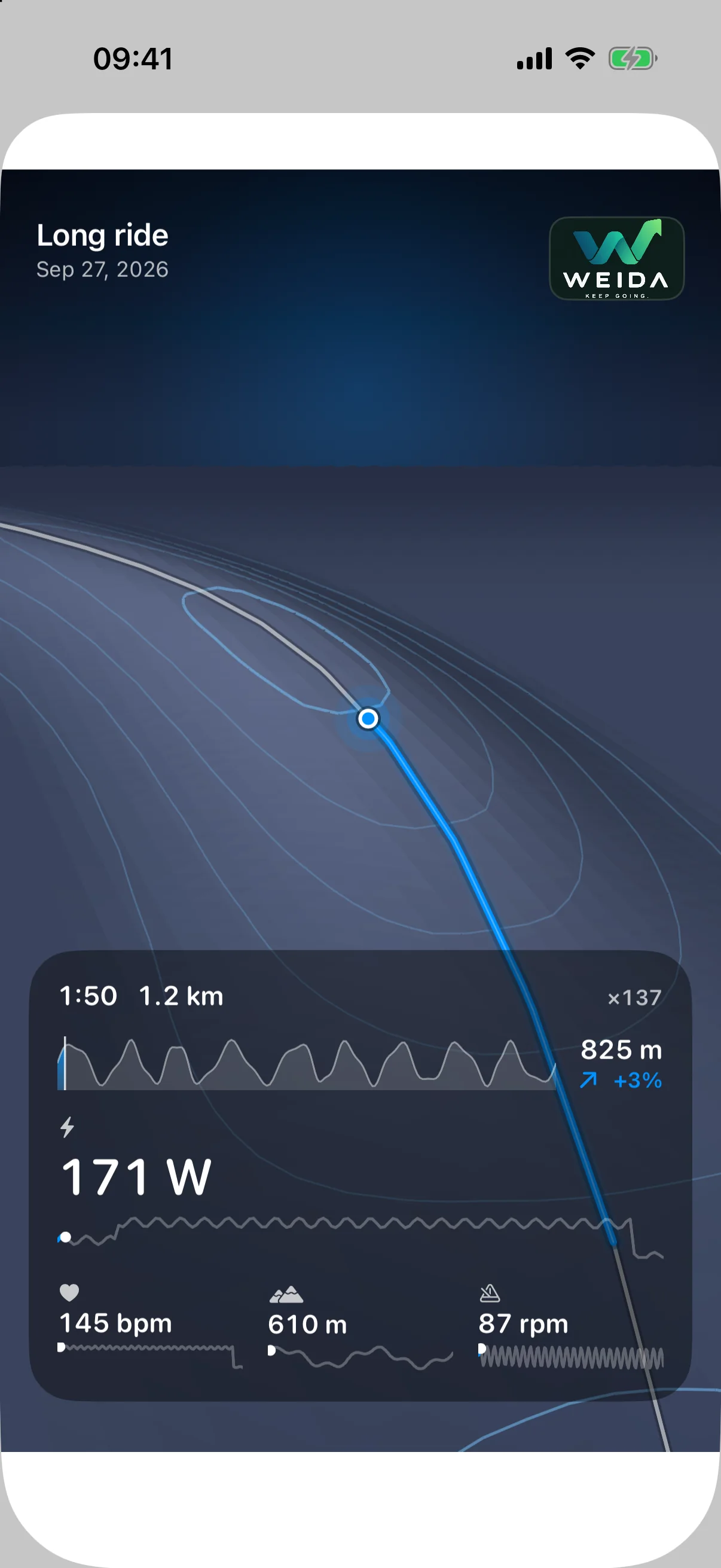
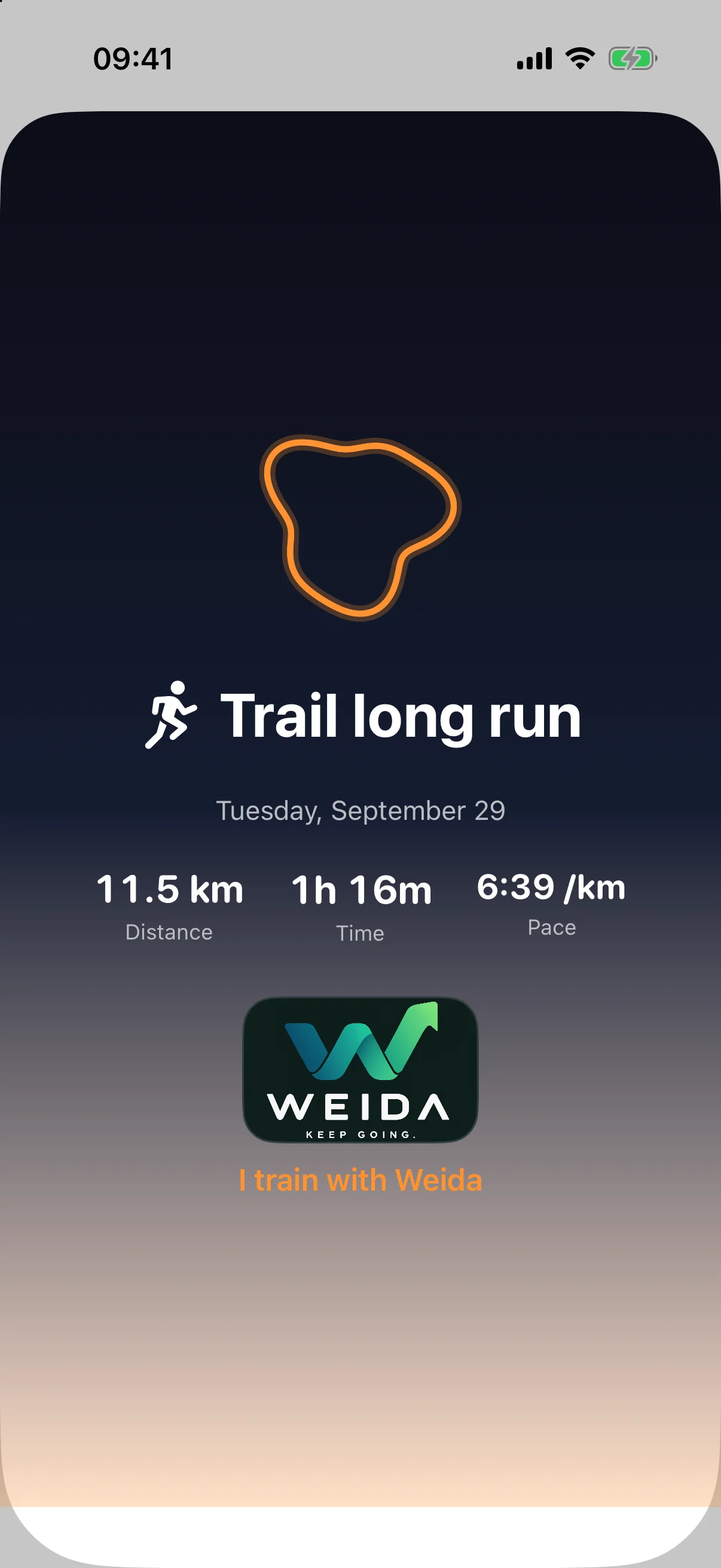
Press play on a recorded session and Weida flies your route over land shaped by your own altitude record, with your pace, heart rate and climbing along for the ride. Share the clip with a friend, ending on a card with your numbers.
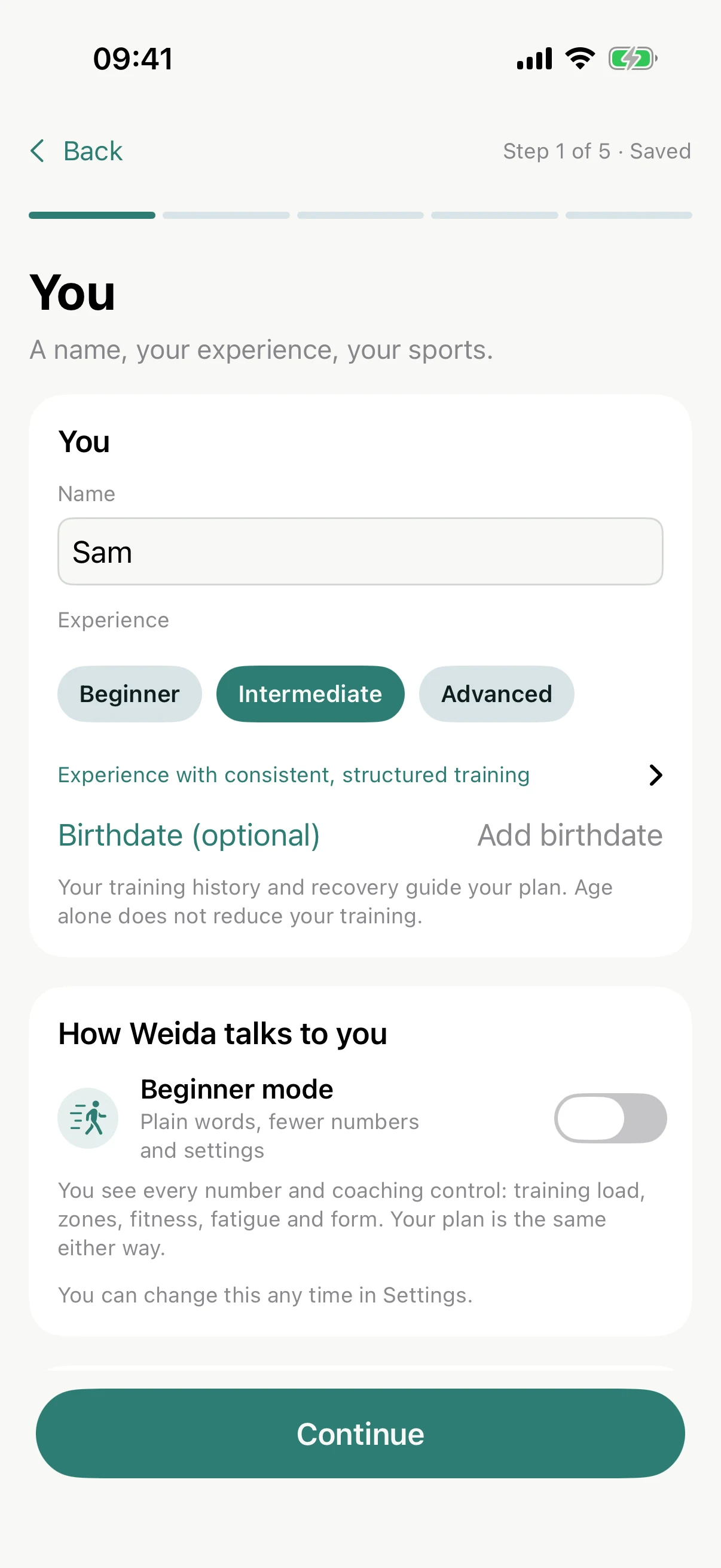
Beginner mode
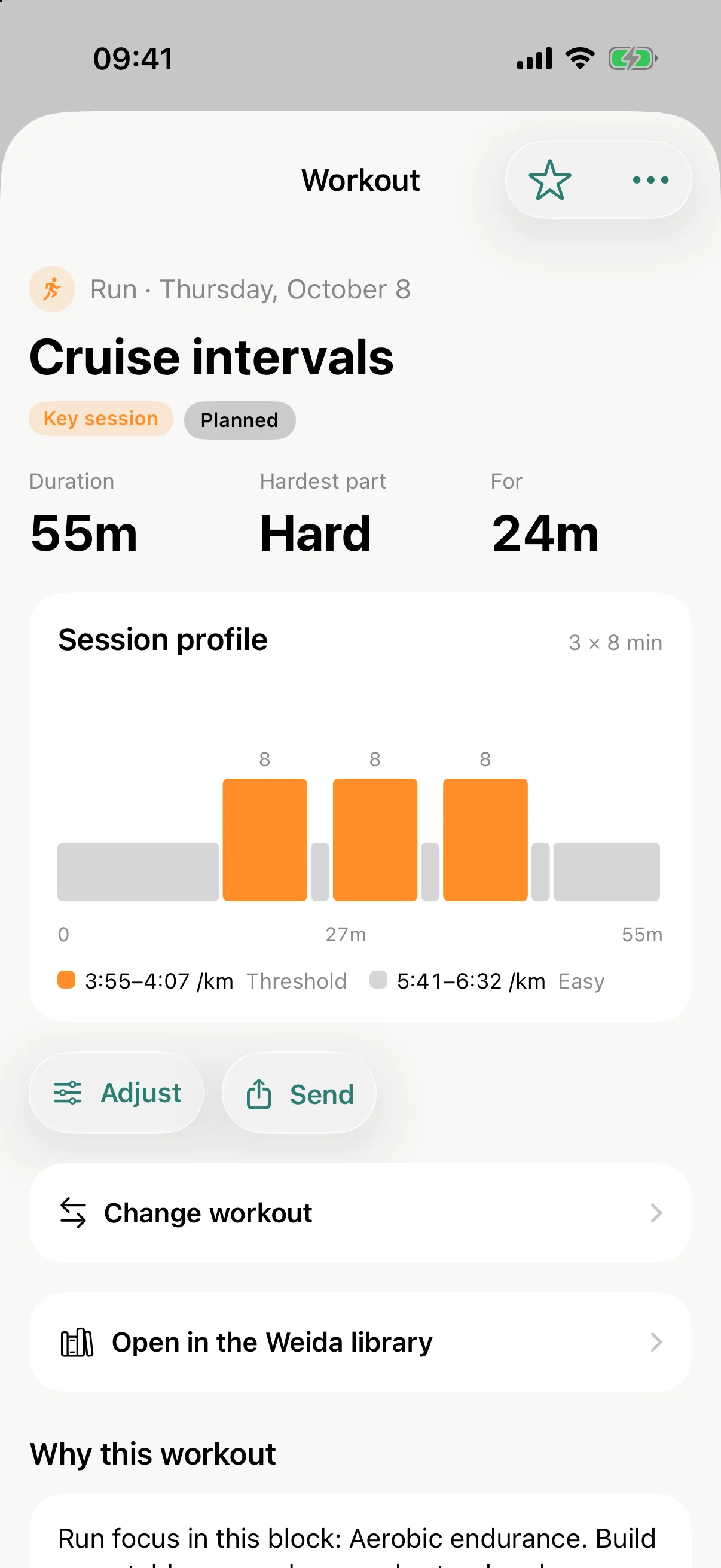
Switch on Beginner mode and the jargon steps aside. Each session says what it is for and how it should feel, steps read “Easy” or “Hard”, and instead of the fitness curve you see the hours you trained. The plan underneath stays exactly the same.
Where you stand
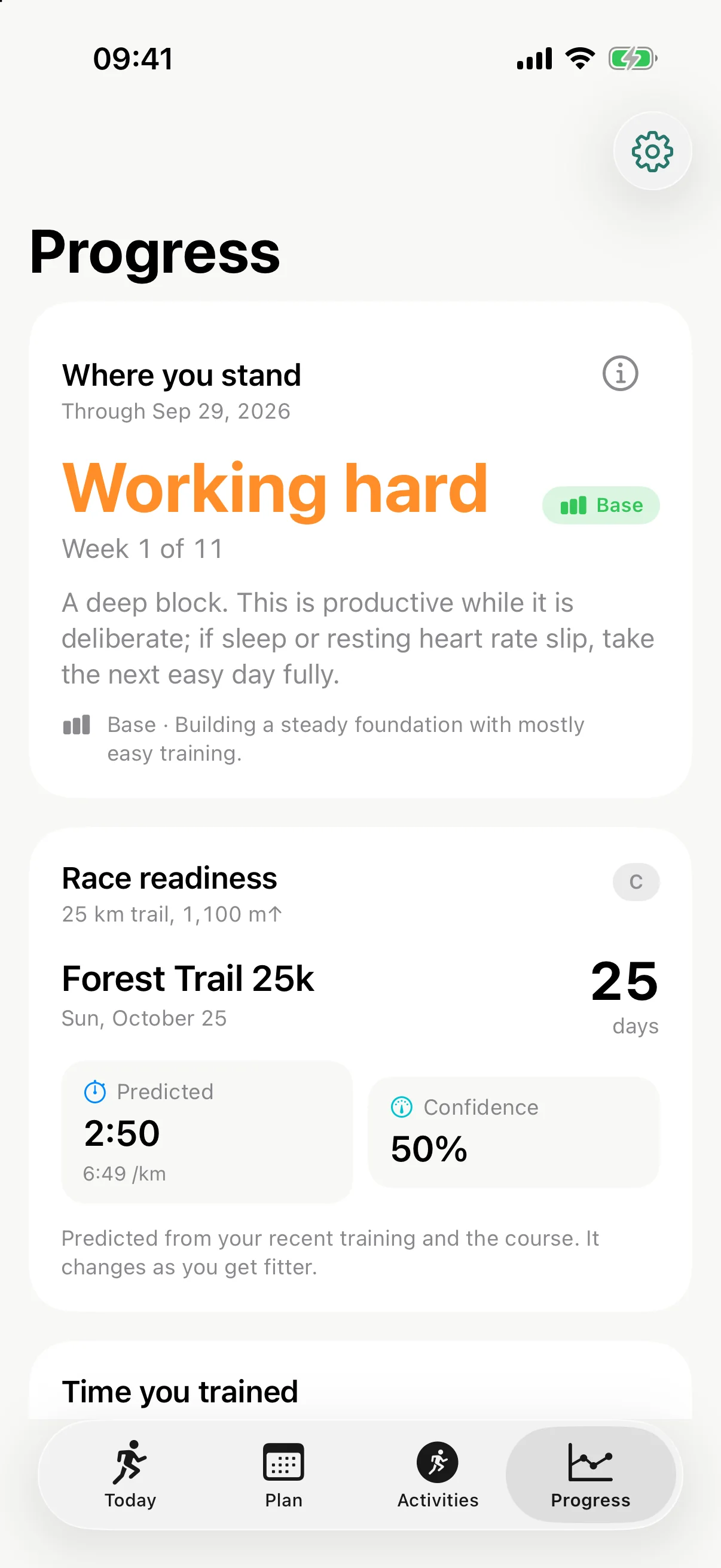
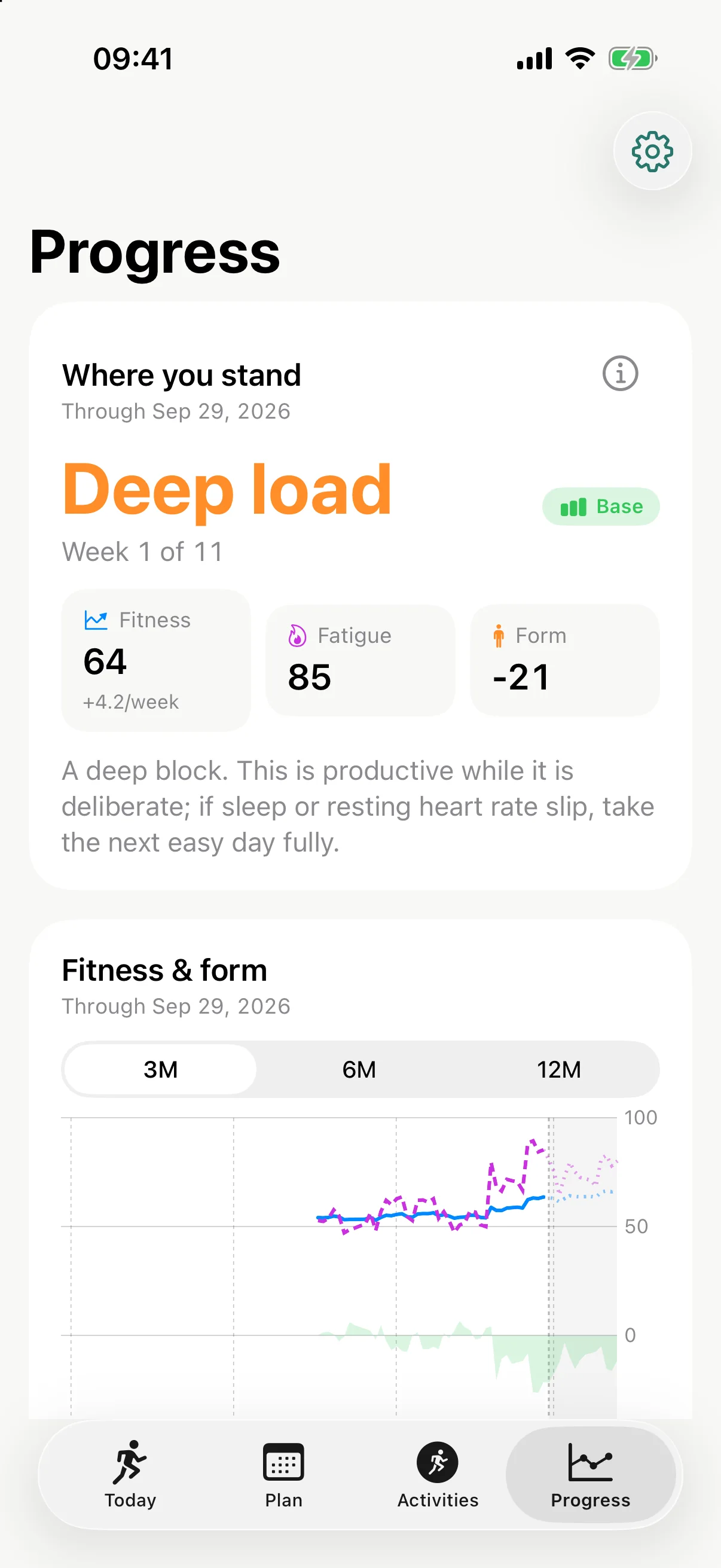
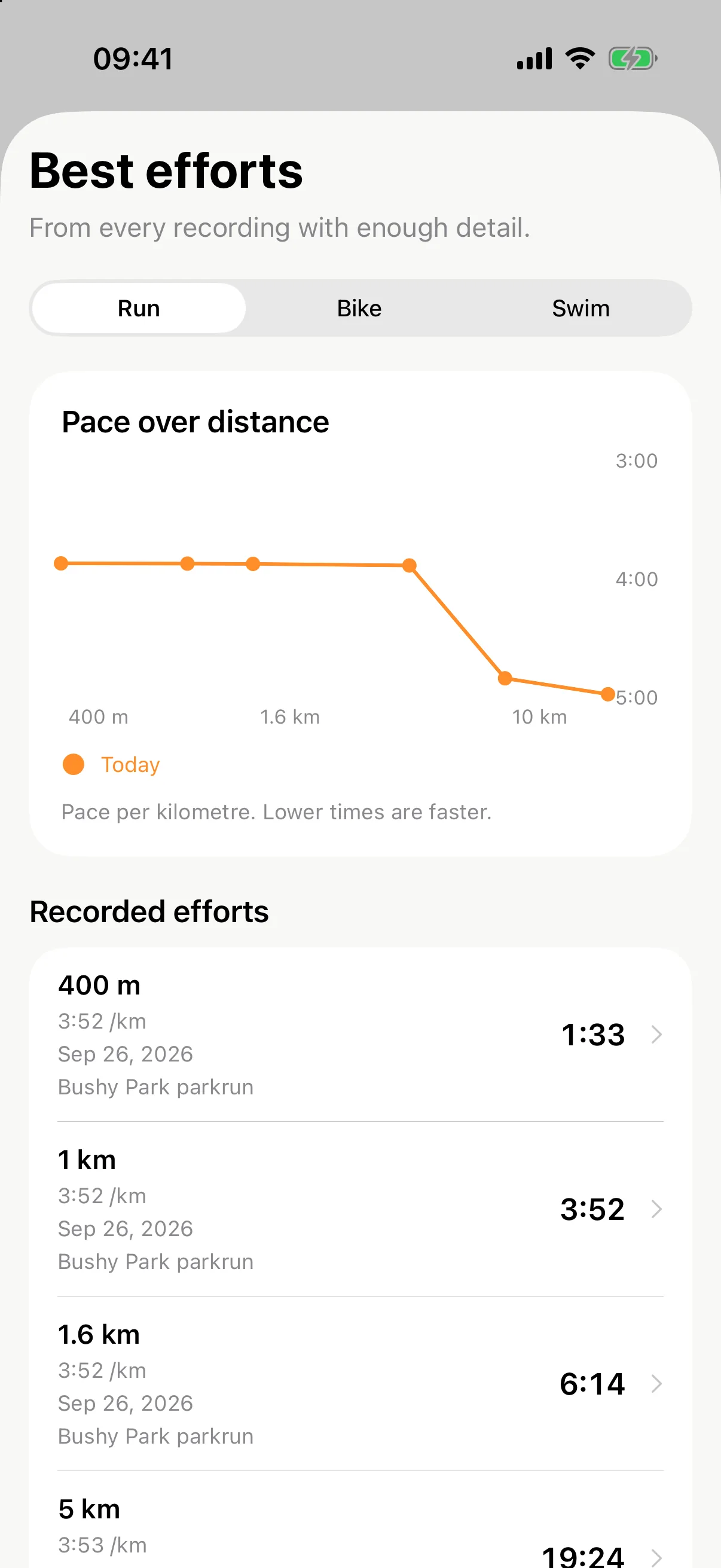
Every recording shows its training load and where that number came from. Sessions get a plain verdict against the plan: as planned, shorter, harder. Your coach note tells you what it means and what comes next. Best efforts show when you actually got faster.


Strokes, drills, pull buoy, paddles and kick sets, matched to the kit you have and the pool length you use.
Build sessions in zones, keep favourites, share them by AirDrop so friends ride at their own threshold.
Planned sessions to Apple Watch, and via intervals.icu to Garmin, Wahoo, COROS and more. Zwift and FIT export too.
Separate temperature limits for running and riding. Today’s weather looks ahead at your whole day.
Ask in plain words. Common requests work on any supported iPhone; Apple Intelligence adds free conversation.
Club sessions keep their full length. Your Saturday parkrun stays put, planned at the right effort.
Today’s workout on your Home and Lock Screen. Start it from the Action Button.
Kilometres, miles, °C or °F, pace or speed. English and German. Display only: your plan never changes.
Same distance, different journey
Both of these are 42.2 km. Weida knows that one has a mountain in it.
Illustrative course profiles, not real courses.

Take a look around
Swipe or drag
Train where you train
Connections are optional and separate. Use one, all or none.
Planned workouts, sent to your wrist.

Bring your activities in. Duplicates merge.

The crossroads: plan out to Garmin, Wahoo, Zwift and more; activities back with map and heart rate.
Import FIT, GPX, TCX. Export ZWO, FIT, calendar.
Connected services use their own accounts and need a network connection.
Made in Franconia
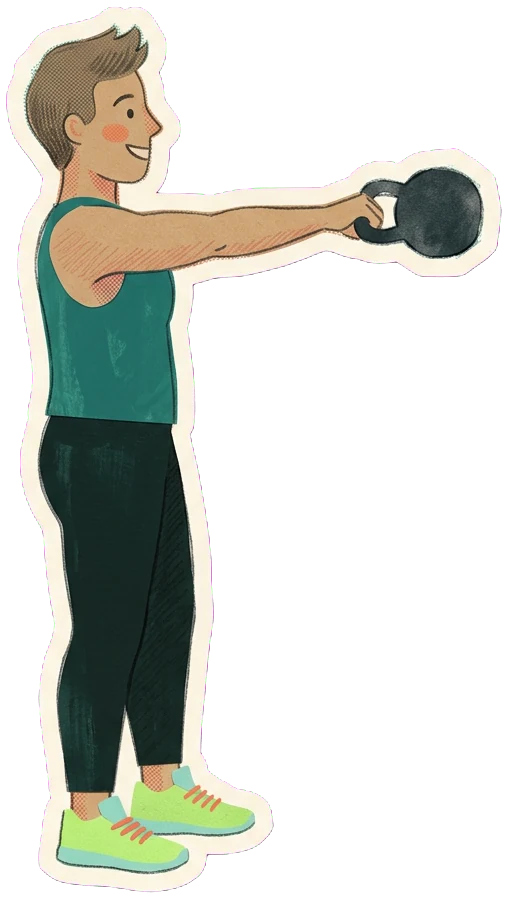
Franconia is the green, hilly, half-timbered corner of northern Bavaria where Nuremberg, the Walberla and an unreasonable number of breweries live. The rule up here: nobody climbs a hill alone, and nobody stops halfway without a pretzel. Weida is what you say when someone asks “and now?”
Greetings from Franconia
Training since forever.


Spellings vary from village to village. Do not argue about it with a Franconian.
 The Walberla is the hill you can see from half of Upper Franconia. Bring a pretzel.

Yours, by design
Your planning engine and core coaching run on your device. There is no cloud coach to sign in to and no subscription to keep going. Weather, course routing and services you connect use their own networks, and you choose each one.
A few things to know
No. Weida is free to start, with a one-time unlock for multisport and advanced planning, never a recurring subscription. There is a seven-day trial that never charges automatically. Prices are announced with availability.
Your training plan and local coaching work offline. Weather, course routing, connected activity imports and optional iCloud backups need a connection.
No. The training engine and common coaching requests use local rules. On supported devices, Apple Intelligence adds natural-language explanations and free conversation.
Running (road and trail), cycling, swimming and strength, alone or as triathlon. Hikes import for load. parkrun is built in.
Yes, through intervals.icu: link your Garmin there once and planned workouts travel to your watch, activities come back. Apple Watch works directly.
Weida is in development for iPhone with iOS 26 or later. The App Store link and launch details will appear here as soon as they exist.
A little further, every day
WEIDASerious endurance coaching. No recurring fee.